Setting up a fishing bot for World of Warcraft can feel intimidating if you have never done it before. There are settings to configure, models to choose, and precautions to take. This step-by-step guide walks you through the entire process from download to your first successful automated fishing session, so you can start catching fish while you handle real life.
Before You Begin: System Requirements
Before downloading anything, make sure your system meets the basic requirements. Fishing bots that use pixel detection and screen reading are lightweight by design, but you still need a few things in place.
- Windows 10 or 11 - Most fishing bots are built for Windows. Make sure your OS is up to date.
- World of Warcraft installed - Either Retail or Classic, depending on which version you plan to fish in.
- A character with fishing trained - You need at least the basic fishing skill learned from a trainer in any capital city.
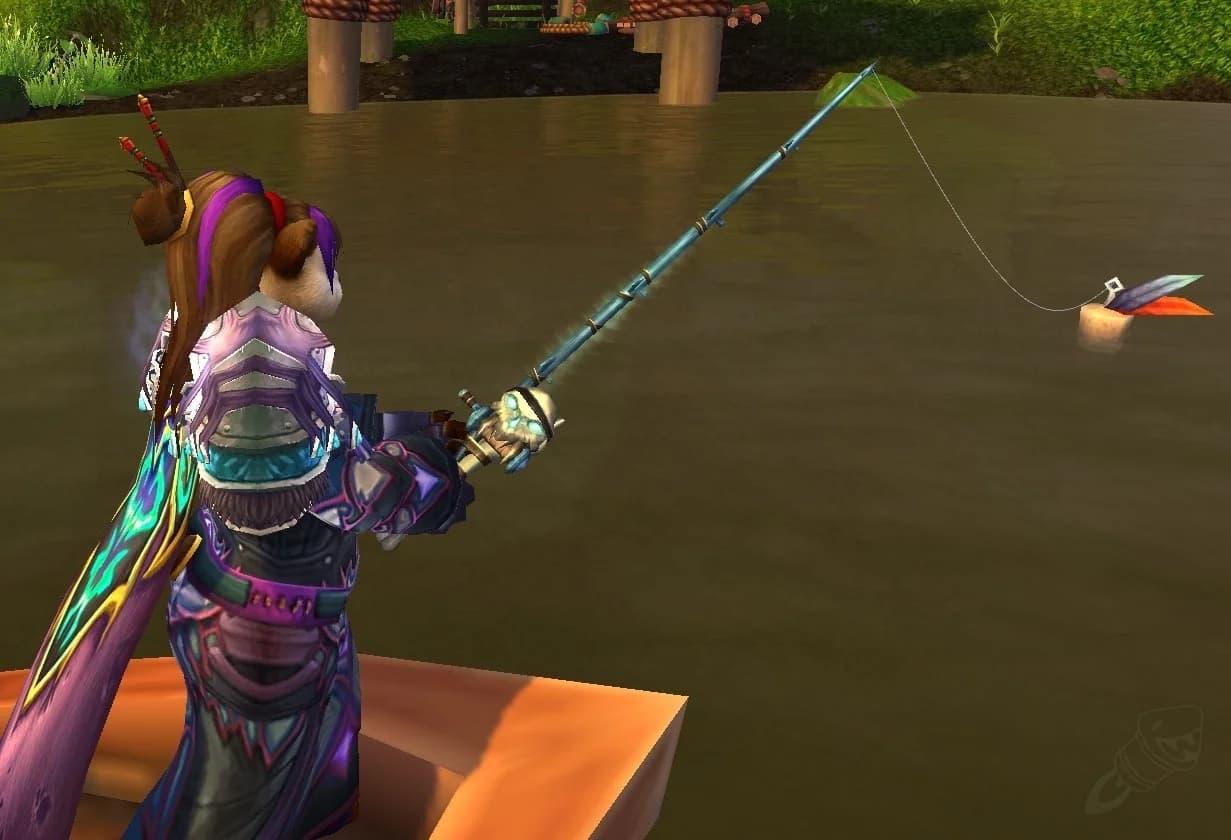
- A fishing pole equipped - Any fishing pole works, though higher-skill poles reduce the chance of fish getting away at lower skill levels.
- Administrator access - You may need to run the bot as administrator for it to interact with the WoW window properly.
Step 1: Download and Install
Start by downloading FishBot from the official website. The download is a standalone executable, so there is no complex installation process. Save the file to a folder you can easily find, such as your Desktop or a dedicated folder in your Documents directory.
- Visit the official FishBot download page and grab the latest version.
- Extract the ZIP file to a dedicated folder if applicable.
- Right-click the executable and select Run as administrator for the first launch.
- If Windows Defender or your antivirus flags the file, you may need to add an exception. This is common with automation tools because they simulate mouse and keyboard input, which antivirus software sometimes treats as suspicious.
Step 2: Configure World of Warcraft Settings
This is the most critical step. The bot reads your screen to detect bobber splashes, so WoW needs to be configured in a specific way for reliable detection.
| Setting | Required Value | Why It Matters |
|---|---|---|
| Display Mode | Windowed or Windowed (Fullscreen) | The bot cannot read the screen in exclusive fullscreen mode |
| Resolution | 800x600 minimum | Smaller resolutions make the bobber easier to detect reliably |
| Graphics Quality | Low to Medium (1-3) | Lower settings reduce visual clutter around the bobber |
| Camera Distance | Zoomed in (default) | The bobber needs to be clearly visible on screen |
| Particle Effects | Low | High particle effects can interfere with splash detection |
| UI Scale | Default (1x) | Non-standard UI scaling can shift element positions |
To apply these settings in WoW, open the System menu (press Escape), go to Graphics, and adjust each option. After changing settings, restart WoW to make sure everything applies cleanly.
Additional WoW Configuration
- Keybind your fishing ability - Assign Cast Fishing to a key that is easy to reference (like the
1key). You will tell the bot which key to press. - Disable auto-loot addons - Some loot addons can interfere with the bot's click timing. Use WoW's built-in auto-loot instead (enable it in Interface > Controls).
- Turn off name plates - Floating name plates can overlap with the bobber area, confusing detection.
- Face your character toward open water - Position your character at a body of water and angle the camera so the bobber will land in a clear area of the screen.
Step 3: Choose the Right Model
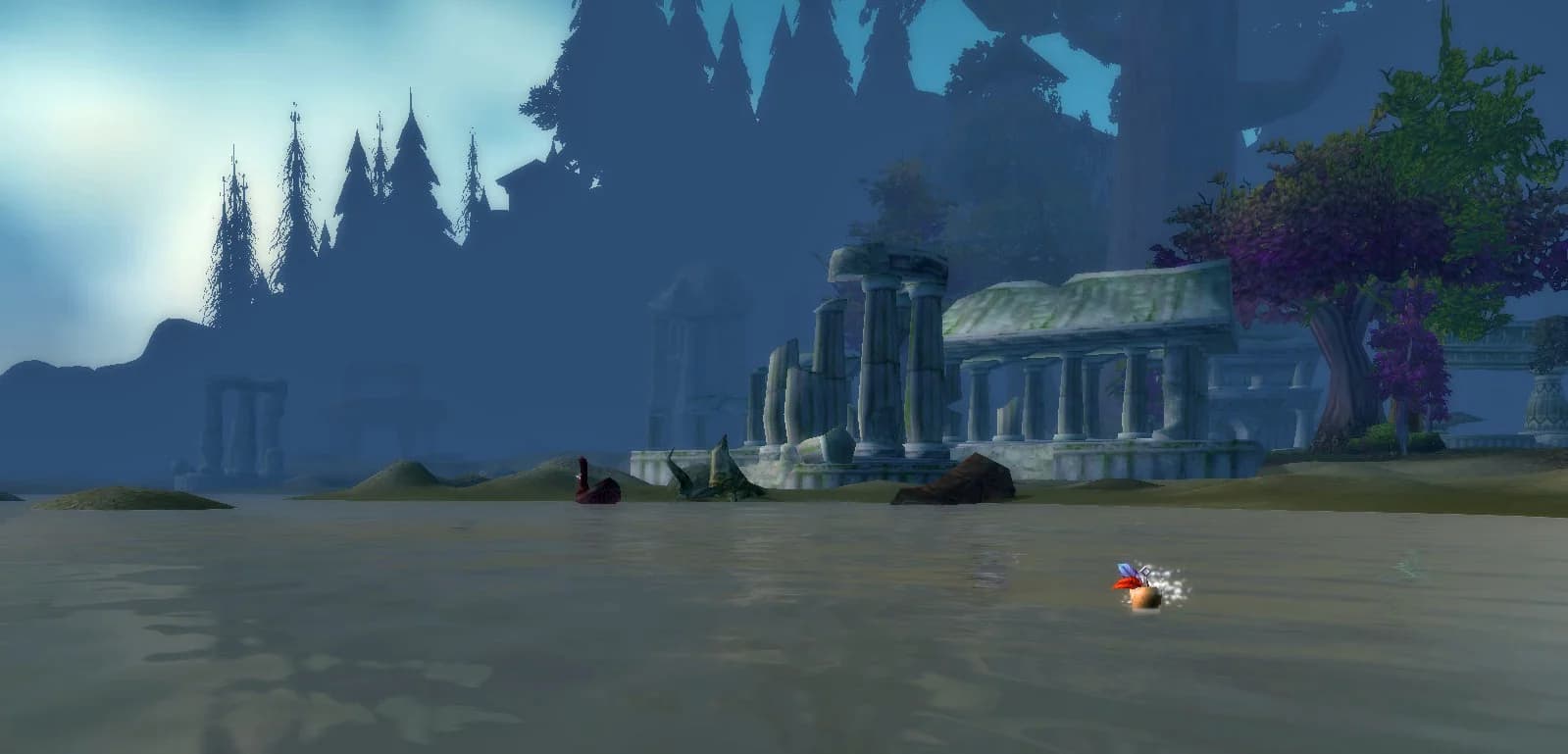
FishBot uses AI-based detection models to identify the fishing bobber and its splash animation. Different models are optimized for different versions of the game because the bobber looks different in Classic versus Retail.
| Model | Best For | Notes |
|---|---|---|
| Classic Model | WoW Classic, Classic Era, Hardcore, Season of Discovery | Trained on the classic bobber art style and water textures |
| Retail Model | Dragonflight, The War Within, and current Retail | Handles the updated bobber animations and modern water shaders |
Selecting the wrong model will not break anything, but detection accuracy will suffer. If you notice the bot missing splashes or clicking at the wrong time, double-check that you have the correct model selected for your game version.
Step 4: Understanding the Detection System
Modern fishing bots do not inject code into the game client. Instead, they work entirely externally by reading pixels on your screen and simulating mouse clicks. Here is a simplified breakdown of how the process works:
- Cast detection - The bot presses your fishing keybind to cast the line.
- Bobber location - The AI model scans the screen to find the bobber's position.
- Splash detection - The bot monitors the bobber area for the splash animation that indicates a fish has bitten.
- Loot click - When a splash is detected, the bot moves the cursor to the bobber and right-clicks to loot the fish.
- Recast - After looting, the cycle repeats with a new cast.
Because the entire process happens outside of WoW's memory, these external bots are fundamentally different from injection-based bots that modify game data. This distinction is important for understanding the risk profile, which we cover in other guides.
Step 5: Your First Fishing Session
Now that everything is configured, it is time for your first run. Follow these steps carefully:
- Log into WoW and travel to a fishing spot. Starter zones like Elwynn Forest or Durotar work well for testing because they have calm water and few distractions.
- Position your character at the water's edge, facing the water. Angle the camera so the water takes up the majority of the screen.
- Open FishBot and select your model (Classic or Retail).
- Set your fishing keybind in the bot to match the key you assigned in WoW.
- Click Start and watch the first few casts to make sure the bot detects the bobber and responds to splashes correctly.
Troubleshooting Common Issues
Even with perfect setup, you might run into a few common problems on your first session. Here are the most frequent issues and their fixes:
| Problem | Likely Cause | Fix |
|---|---|---|
| Bot does not detect the bobber | Wrong model selected or camera angle too wide | Switch models and zoom the camera in closer to the water |
| Bot clicks too early or too late | High latency or graphics settings too high | Lower graphics quality and check your internet connection |
| Bot does not press the fishing key | WoW is not the active window or keybind mismatch | Click on the WoW window to focus it and verify your keybind setting |
| Fish are getting away | Fishing skill too low for the zone | Move to a lower-level zone or use lures to boost your fishing skill |
| Bot stops after one cast | Not running as administrator | Close and relaunch the bot with Run as administrator |
Best Practices for Ongoing Sessions
Once your first session runs smoothly, keep these best practices in mind for future use:
- Keep sessions under two hours - Taking breaks between sessions is both safer and prevents your bags from filling up.
- Empty your bags first - Start each session with as much free bag space as possible so you do not miss catches due to full inventory.
- Rotate fishing spots - Moving to different zones between sessions adds variety and reduces the chance of other players noticing a pattern.
- Check for game updates - After WoW patches, water textures or bobber animations might change. Make sure your bot and model are up to date.
- Log out safely - Always stop the bot before logging out of WoW. Letting the bot run while disconnected can cause erratic behavior on your next login.
Setting up a fishing bot is straightforward once you understand the key configuration steps. The most important factors are using the correct display mode, choosing the right detection model, and taking a few minutes to watch the first session. With everything dialed in, you can reliably automate your fishing and focus your playtime on the parts of WoW you enjoy most.
// TOPICS
// TRY_FISHBOT
Ready to Put This
Into Practice?
Try FishBot free, in unlimited 30 minute sessions. Automate your WoW fishing and start earning gold effortlessly.