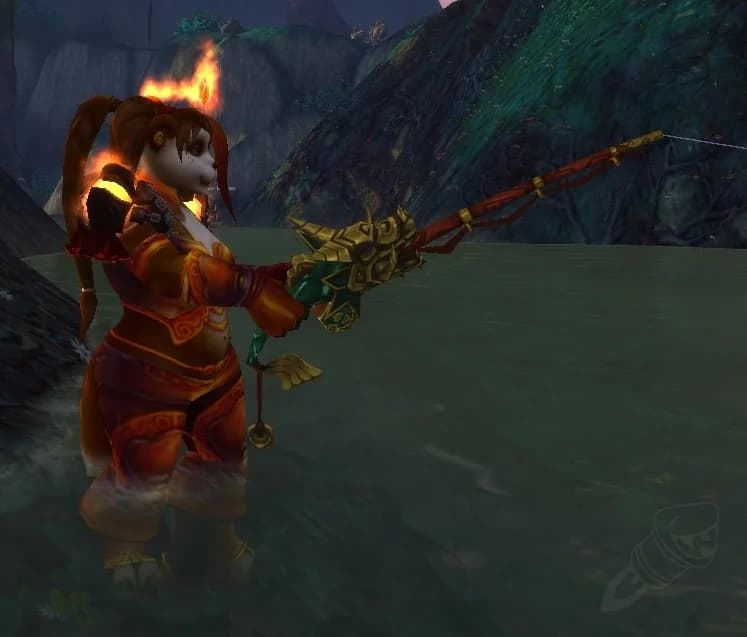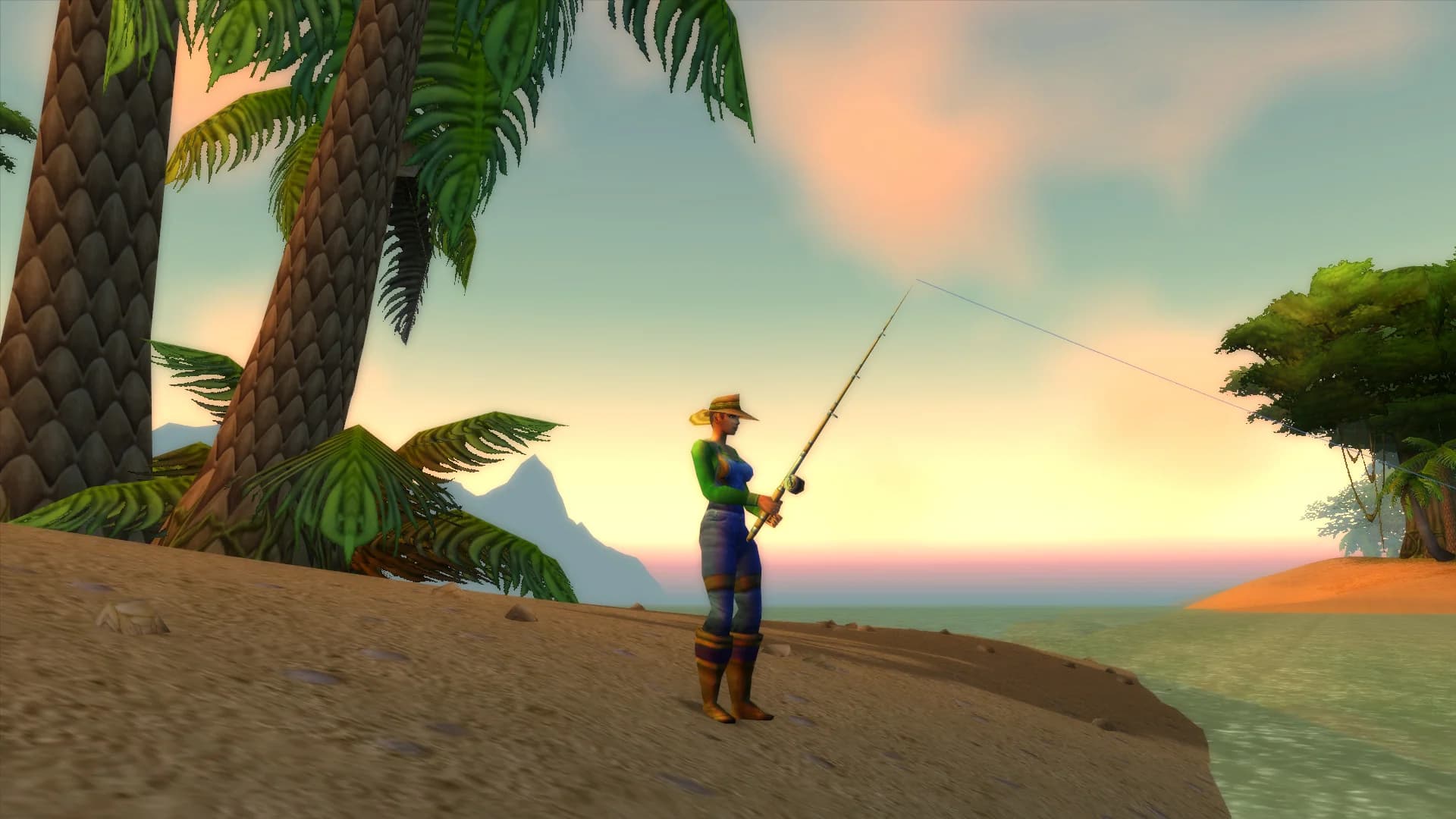
Fishing in World of Warcraft is simple at its core, cast, wait, click. But the right macros and addons can transform your setup from tedious to streamlined. Whether you are farming gold, chasing rare catches, or leveling the profession from scratch, the tools in this guide will save you hours of wasted effort and help you catch more fish per session.
Essential Fishing Macros
Macros are your first line of defense against fishing fatigue. These are the macros every serious angler should have on their action bar.
The One-Button Cast Macro
The most important fishing macro combines your fishing ability with any lure or bait application into a single keypress. Instead of manually applying a lure and then casting, this macro handles both. On the first press it applies your lure if one is in your bags, and on subsequent presses it casts your fishing line. This eliminates the need to drag lures onto your pole manually and keeps you fishing without interruption.
The Interact Macro
Blizzard added the Interact with Target keybind in Dragonflight, and it changed fishing forever. By binding interact to a key and combining it with a macro that targets your bobber, you can catch fish without ever moving your mouse. This is especially useful for pool fishing where you need to reposition frequently between casts.
The Gear Swap Macro
If you use a fishing outfit with bonus fishing skill, a gear swap macro lets you equip your entire fishing set with one button and swap back to your combat gear with another press. This is critical for pool fishing in contested zones where you might need to defend yourself between catches.
Best Fishing Addons for 2026
These are the addons that will make the biggest difference in your fishing sessions, ranked by impact.
| Addon | Purpose | Why You Need It |
|---|---|---|
| FishingBuddy | All-in-one fishing companion | Tracks catches, auto-applies lures, shows zone-specific fish data |
| TradeSkillMaster (TSM) | Auction House pricing | Shows real-time gold value of every fish you catch |
| GatherMate2 | Pool location tracking | Records and displays fishing pool spawn points on your map |
| Routes | Optimized fishing paths | Creates an optimal route between known pool locations |
| WeakAuras | Custom fishing alerts | Build custom visual and audio cues for bobber splashes and rare catches |
FishingBuddy Deep Dive
FishingBuddy is the single most impactful fishing addon. It automatically tracks every fish you catch, organized by zone, and shows you catch rates and statistics over time. It also handles lure application automatically, when your current lure expires, it reapplies one from your inventory without you needing to do anything. The addon even includes a fishing sound enhancement that makes the bobber splash louder and more distinct, reducing the chance of missing a catch.
TSM for Fishing Profits
TradeSkillMaster is usually associated with heavy Auction House trading, but it is incredibly useful for fishing too. With TSM configured, every fish in your bags shows its current market value in the tooltip. After a fishing session, you can see exactly how much gold your inventory is worth before you even list it. This lets you make smart decisions about which fish to sell raw, which to cook first, and which to hold for a price spike.
GatherMate2 and Routes Combo
GatherMate2 records the location of every fishing pool you find and displays them on your minimap and world map. The Routes addon takes those recorded points and calculates the fastest path between them. Together, they turn random pool searching into an optimized farming route. After a few sessions in any zone, you will have a complete map of pool spawn locations and an efficient circuit to follow.
WeakAuras for Fishing
WeakAuras is the most flexible addon in WoW, and the fishing community has created some powerful auras specifically for anglers. Here are the most useful ones:
- Bobber splash alert - Displays a large visual indicator when your bobber splashes, useful if you play with game sound off
- Lure timer - Shows a countdown for your current lure duration so you know exactly when it expires
- Catch counter - Tracks fish caught in the current session with a running gold total based on AH prices
- Rare catch notification - Plays a special sound and flashes the screen when you catch a rare item like a mount or pet
- Fishing skill tracker - Displays your effective fishing skill including gear and lure bonuses
Optimal Fishing UI Layout
Your screen setup matters more than most anglers realize. Here is how to configure your UI for maximum fishing efficiency:
- Center your bobber - Adjust your camera angle so the bobber lands in the center of your screen. This reduces eye movement and reaction time
- Increase game sound - The bobber splash sound is your primary catch indicator. Turn game sound effects up and music down
- Minimize UI clutter - Hide unnecessary panels, chat windows, and action bars while fishing. Less visual noise means faster reaction to splashes
- Use a fishing-specific UI profile - Addons like ElvUI let you save separate profiles. Create one optimized for fishing that you can toggle on and off
- Position your minimap - Move your minimap near the center-bottom of your screen so you can see pool locations without looking away from your bobber
Console Commands and Hidden Settings
WoW has several console variables that affect fishing but are not exposed in the settings menu. These can be set via the chat window:
The most useful is adjusting your maximum camera distance. A farther camera lets you see more pool spawn points without moving, which is especially valuable in coastal zones with spread-out pools. You can also adjust the sound channel priorities to ensure fishing splash sounds are never drowned out by ambient noise or combat effects from nearby players.
Putting It All Together
The ideal fishing setup combines all of these elements into a seamless workflow. You press one button to equip your gear, another to cast, and your addons handle lure management, catch tracking, pool navigation, and profit calculation automatically. The only thing you need to do is click the bobber when it splashes.
Invest thirty minutes setting up these macros and addons, and every fishing session after that will be faster, more profitable, and more enjoyable. The difference between a bare-bones fishing setup and an optimized one is easily a 30% increase in gold per hour, and it compounds over every session you play.
Want to skip the macro setup entirely? FishBot handles casting, catching, and looting automatically with AI-powered bobber detection.
Download Now →
// TOPICS
// TRY_FISHBOT
Ready to Put This
Into Practice?
Try FishBot free, in unlimited 30 minute sessions. Automate your WoW fishing and start earning gold effortlessly.